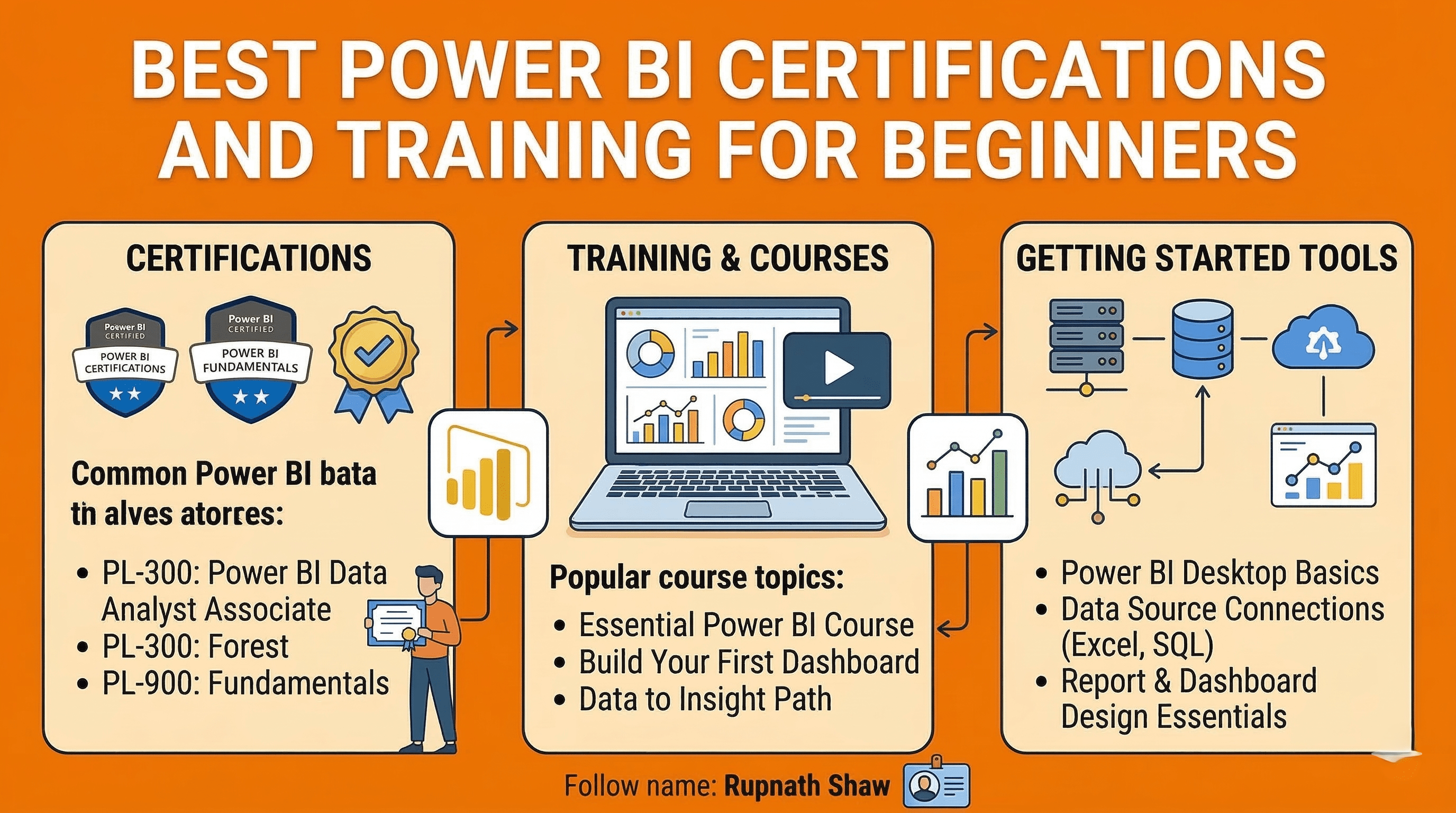
You do not need to be a data expert to get certified. You just need the right starting point.
Power BI is everywhere right now. Job listings that used to ask for Excel skills now ask for Power BI. Recruiters at companies across every industry want dashboards, not spreadsheets. And the people who know how to build them are getting hired.
The problem is that most beginners do not know where to start. You have many courses and three Microsoft certifications, but it’s unclear which one boosts your resume.
This list cuts through it. Here are the top Power BI certifications and training options for beginners in 2026. They’re ranked by what they teach, their costs, and their value to recruiters.
1. Microsoft PL-300 Certification
If you are going to get one Power BI credential, this is it. The PL-300 is the official Microsoft certification for Power BI. It’s also known as Microsoft Certified: Power BI Data Analyst Associate. It appears in job descriptions, LinkedIn recruiter filters, and HR screening criteria.
The exam covers four key areas:
-
Preparing data
-
Modeling data
-
Visualizing data
-
Deploying reports
It can be tough for beginners, but it’s achievable with 8 to 12 weeks of focused study. Microsoft charges about $165 USD for the exam. Discounts are available for students and through Microsoft’s learning programs.
Key details:
-
Exam code: PL-300 (replaced the older DA-100 in 2022)
-
Difficulty: Intermediate – requires hands-on practice, not just theory
-
Preparation time: 8 to 12 weeks for someone starting from scratch
-
Cost: Approximately $165 USD for the exam voucher
-
Best for: Anyone who wants Power BI on their resume in a way that actually gets noticed
2. Microsoft Learn (Free)
Before you pay for any course, spend two weeks on Microsoft Learn. It is Microsoft’s own free learning platform and it covers everything you need for the PL-300 from scratch. The content is well-structured, regularly updated, and directly aligned to the exam objectives.
The Power BI learning path on Microsoft Learn guides you in several areas.
You’ll learn to:
-
Get data
-
Transform it in Power Query
-
Build data models
-
Write DAX formulas
-
Publish reports to the Power BI Service
Each module has short lessons, knowledge checks, and hands-on lab exercises. You do all of this at your own pace, for free, with no account required.
Key features:
-
Cost: Completely free, no credit card needed
-
Format: Self-paced modules with interactive exercises and knowledge checks
-
Coverage: Directly maps to PL-300 exam objectives
-
Time to complete: Approximately 20 to 30 hours for the full Power BI learning path
-
Best for: Total beginners who want to understand the tool before committing to a paid course
3. Coursera: Microsoft Power BI Data Analyst Professional Certificate
This is Microsoft’s own professional certificate program on Coursera. It’s a series of eight courses that takes you from beginner to job-ready. You will learn data preparation, DAX, and dashboards. The final project lets you build a real portfolio piece.
The certificate isn’t the same as the PL-300. But it helps you prepare for it. Plus, you get something solid to display on LinkedIn as you work toward the exam. Coursera costs about $49 a month. Most learners finish the full certificate in four to six months. Financial aid is available if cost is a barrier.
Key features:
-
Platform: Coursera (offered by Microsoft)
-
Duration: 4 to 6 months at 10 hours per week
-
Cost: Approximately $49/month, financial aid available
-
Outcome: Microsoft certificate + capstone project for your portfolio
-
Best for: Learners who want structured progression and a verifiable credential for LinkedIn
4. Udemy: Microsoft Power BI Desktop for Business Intelligence
This is the most purchased Power BI course on Udemy and for good reason. Created by Maven Analytics, it focuses entirely on hands-on dashboard building from real datasets. You are not watching someone explain concepts on a whiteboard. You are building things from the first hour.
The course covers Power Query, data modeling, DAX, and report design. It includes downloadable project files and datasets so you can follow along exactly. Udemy courses go on sale frequently and you can often pick this up for under $15. It does not prepare you directly for the PL-300, but it builds the practical skill base you need before attempting it.
Key features:
-
Platform: Udemy
-
Duration: Around 30 hours of video content
-
Cost: $15 to $20 on sale (check before buying at full price)
-
Format: Project-based — you build dashboards throughout the course
-
Best for: Beginners who learn best by doing, not by watching theory
5. DataCamp: Data Analyst With Power BI Career Track
DataCamp’s Power BI career track is for those who know data concepts. It helps you quickly turn that knowledge into Power BI skills. It assumes you know what a database is and what data cleaning means. If you do, it moves fast and gets practical immediately.
The track includes 12 courses and four real-world projects. It covers Power BI Desktop, DAX, Power Query, and how to connect Power BI to external data sources. DataCamp costs about $25 each month. You can finish the track in roughly three months if you go at a comfortable pace.
Key features:
-
Platform: DataCamp
-
Duration: Approximately 3 months
-
Cost: Around $25/month with a subscription
-
Includes: 12 courses + 4 real-world projects with certificates per track
-
Best for: Data analysts or SQL users who want to add Power BI to their existing skills
6. LinkedIn Learning: Power BI Essential Training
Not everyone has months to prepare. If you need to learn Power BI fast for a job, a client project, or an interview, try LinkedIn Learning’s Power BI Essential Training.
The course lasts about five hours. It covers key features like connecting data, creating simple visuals, and publishing reports. It is not deep. It will not prepare you for the PL-300. It will help you open Power BI Desktop, load a dataset, and create a dashboard without confusion. For many situations, that is enough to start.
Key features:
-
Platform: LinkedIn Learning
-
Duration: Around 5 hours
-
Cost: Included with LinkedIn Premium or a standalone subscription
-
Certificate: LinkedIn certificate added directly to your profile on completion
-
Best for: Professionals who need basic Power BI literacy fast without a long commitment
Wrapping Up
The right choice depends entirely on where you are starting and what you need Power BI for. Here is the short version:
-
Start on Microsoft Learn for free before spending anything
-
Take the Udemy course if you want to build real dashboards fast
-
Use Coursera if you want a structured program with a certificate for LinkedIn
-
Use DataCamp if you already have a data background and want to move quickly
-
Use LinkedIn Learning if you are on a deadline and need functional basics
-
Sit the PL-300 exam when you are ready – it is the credential that matters most to employers
You do not need all of these. Start with Microsoft Learn and the Udemy course together. By the time you finish both, you will know whether the PL-300 is the right next step.
Read Also:
5 Python Libraries That Belong in Every Data Scientist’s Toolkit
Data Analyst Bootcamp Online: Best Free Courses, Projects & Certifications In 2025
Job Notification Join us on Telegram: Click here
Job Notification Join us on WhatsApp: Click here