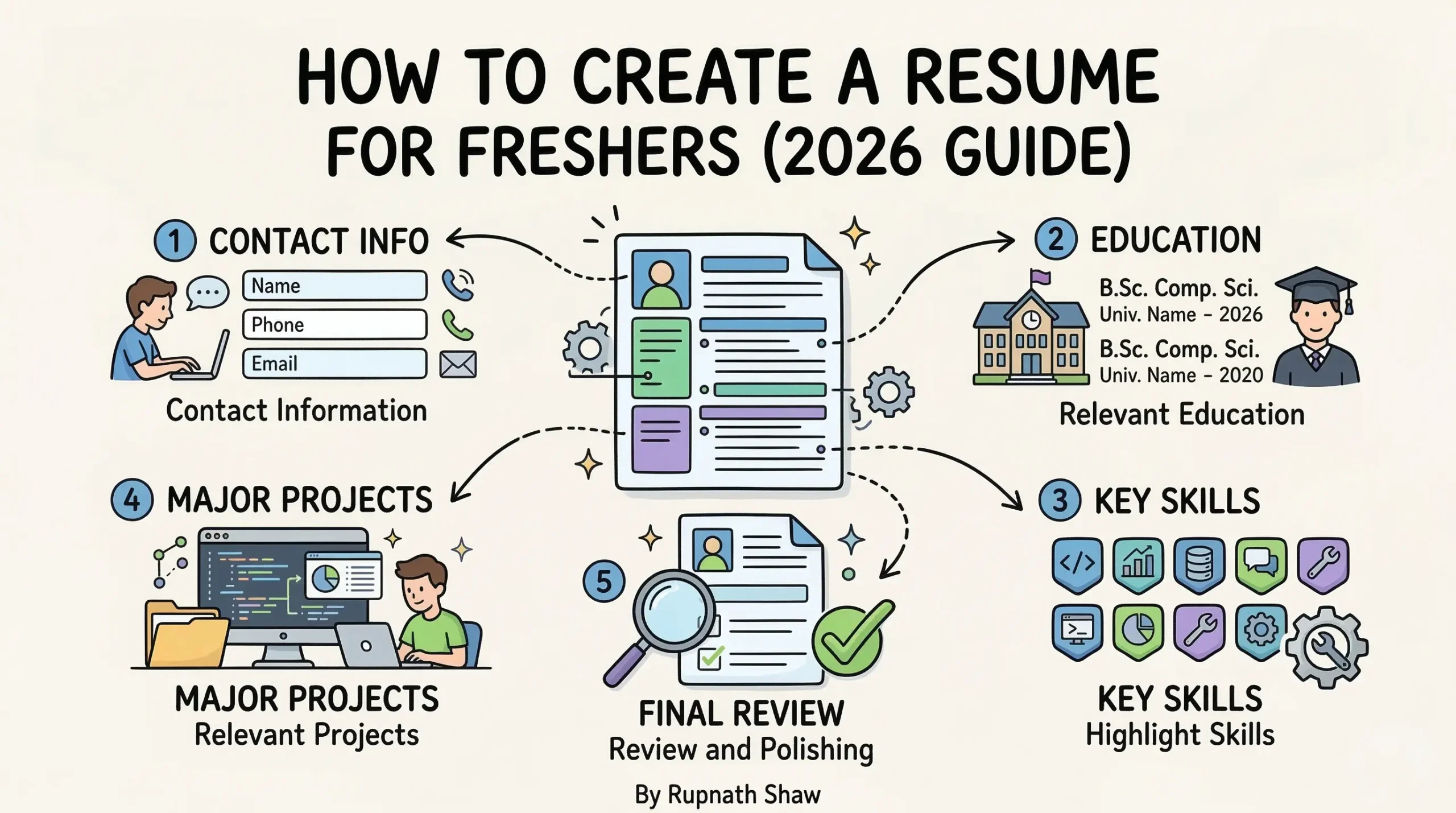
You have never had a job. That does not mean you have nothing to show. It means you need to present what you have in the right way.
The biggest mistake freshers make on their resume is trying to hide the fact that they are a fresher. It never works. Recruiters know. Resumes that get shortlisted stand out for their clarity, specificity, and honest portrayal of skills and work. It’s not just about experience.
A recruiter spends under ten seconds on a fresher’s resume. Then, they decide if they will read it fully.
In ten seconds, they check three things:
-
Is the format clear?
-
Do the skills match the job?
-
Is there proof the candidate did something in college?
This guide covers all parts of a fresher resume. It shows what to include, how to write it, and common mistakes candidates make. Follow it in order. By the end, you will have a polished, recruiter-ready resume. It won’t look like a generic template with just the name changed.
Step 1: Get the Format Right Before You Write a Single Word
Format is the first thing a recruiter sees and the most common place freshers go wrong. Overly designed templates, many columns, icons, and graphics may seem creative to the person writing the resume. They look cluttered and hard to scan to the person reading fifty of them in a morning.
Stick to a single-column layout, standard fonts like Calibri or Arial at 10 to 11pt, and clear section headings. Keep the resume to one page. As a fresher, you likely lack enough content for two pages. Filling that space can lead to padding. This weakens your resume rather than making it longer.
-
Use: Single-column layout, Calibri or Arial, 10–11pt body text, 12–14pt headings
-
Use: Standard margins of 0.75 to 1 inch – enough white space to breathe
-
Avoid: Tables, text boxes, coloured columns, icons, and photos unless specifically required
-
Avoid: Two-page resumes – as a fresher, one tight page is always better than one loose page and half of another
-
File format: Always save and send as PDF unless the job posting specifically asks for Word
Step 2: Write a Contact Header That Actually Has the Right Information
The contact section is the top of your resume and it is somehow still wrong on a large number of fresher resumes.
You need to provide four things:
-
Your full name
-
Your phone number
-
Your professional email address
-
Your LinkedIn URL
That is it.
A professional email address means firstname.lastname@gmail.com or a close variation. Not coolboy2003@gmail.com. Not your college email that will expire in six months. Your LinkedIn URL should be customised – LinkedIn lets you set a clean URL in profile settings. Use it.
| Wrong
coolboy_rohan@yahoo.com | +91 98XXXXXXXX | linkedin.com/in/rohan-sharma-8b4c3f2a1d90e55b7 | D.O.B: 12/03/2002 | Nationality: Indian |
| Right
Rohan Sharma | +91 98XXXXXXXX | rohan.sharma@gmail.com | linkedin.com/in/rohan-sharma | github.com/rohan-sharma (if applicable) |
Remove date of birth, nationality, marital status, and a photograph unless the job posting specifically asks for them. In most IT, analytics, and consulting roles in India, these add nothing and take up space.
Step 3: Write a Summary That Is Two Lines, Not Five
The objective or summary section is optional. When it is there and well-written, it helps. When it is generic, it is the first thing a recruiter skips.
The formula for a good fresher summary is simple: who you are + what you can do + what you are looking for. Keep it to two to three lines. Write it last, after the rest of the resume is complete.
| Wrong
I am a hard-working and dedicated fresher with a passion for technology and a strong desire to learn and grow in a dynamic and challenging environment. I am eager to contribute to the success of your organisation. |
| Right
Computer Science graduate with hands-on experience in Python, SQL, and Power BI through three data analysis projects. Looking for an analyst or data-related role where I can apply these skills to real business problems. |
Notice the difference. The second version has specifics. It names tools, mentions real work, and states a clear goal. A recruiter reading it knows exactly what kind of role to consider this person for.
Step 4: Write Your Education Section Properly
As a fresher, your education section is one of the most important parts of your resume. It should come near the top, right below your contact header. List your degrees in reverse chronological order — most recent first.
Include: degree name, college name, year of passing, and percentage or CGPA. If your CGPA is below 6.5, consider leaving it out — some recruiters have a hard cutoff and listing it proactively filters you out before you get a chance. If it is above 7.5, list it prominently.
- Include: Degree, college, year, CGPA or percentage
- Include: Relevant coursework if it directly supports the job — e.g. Database Management, Statistics, Machine Learning
- Include: 10th and 12th details with school name, board, year, and percentage
- Skip: Irrelevant coursework, attendance percentages, or remarks like ‘consistently maintained above average performance’
Step 5: Build a Skills Section That Is Specific, Not a Keyword Dump
The skills section on most fresher resumes looks like this: MS Office, C++, Java, Python, Communication, Teamwork, Leadership, Problem-Solving. This tells a recruiter nothing. Everyone lists these. Most candidates cannot demonstrate half of them in an interview.
Split your skills into clear categories and only list what you can actually speak to in an interview. If you list Power BI and someone asks you what DAX stands for, you need to know. If you list Python and cannot write a basic loop on paper, take it off.
| Wrong
MS Office, C, C++, Java, Python, HTML, CSS, Communication Skills, Teamwork, Leadership, Time Management, Problem Solving |
| Right
Technical: Python (pandas, matplotlib), SQL (MySQL), Power BI, Excel (pivot tables, VLOOKUP) | Concepts: Data Cleaning, EDA, Statistics, Data Visualization | Tools: Jupyter Notebook, Git, GitHub |
Keep the skills section clean and honest. Five real skills you can demonstrate beat fifteen buzzwords you cannot.
Step 6: Write Your Projects Section — This Is the Most Important Part of Your Resume
For a fresher, projects are your work experience. This section is where most candidates either win or lose the recruiter’s attention. A weak projects section with vague descriptions is a missed opportunity. A strong one with specific tools, clear outcomes, and a link to see the work is what gets you shortlisted.
For each project write: the project name as a heading, one line on what it was, the tools and technologies used, and two to three bullet points describing what you did and what you found. If it is on GitHub or Tableau Public, include the link.
| Wrong
Project: Sales Analysis Used Excel to analyse sales data and created charts to show trends. |
| Right
E-Commerce Sales Analysis | Python, pandas, matplotlib | github.com/yourname/ecommerce-analysis • Cleaned and analysed 100,000+ transaction records from the Olist dataset to identify top-performing product categories • Found that delivery delays beyond 10 days reduced review scores by 28% across all categories • Built 5 visualisations presenting findings as a business recommendation for inventory prioritisation |
The second version has numbers, specific tools, a link, and a business conclusion. It answers the question every recruiter is silently asking: what did you actually do and what did it mean?
Step 7: Add Certifications, Internships, and Extracurriculars – Selectively
Certifications are worth listing if they are relevant and verifiable. Microsoft PL-300, Google Data Analytics certificate, Coursera certificates from recognized institutions — these add credibility. A certificate from an unknown platform with a name like ‘Advanced Python Mastery Pro’ does not.
If you did an internship, even a short one, list it above your projects. Internship experience — paid or unpaid — signals real-world exposure and gets more weight than a self-driven project. Describe it the same way as a project: what you did, what tools you used, and what the outcome was.
Extracurriculars belong at the bottom and only if they are relevant or impressive. Positions of responsibility like club president, tech fest organiser, or placement coordinator say something meaningful. Membership of a club where you attended three meetings does not.
- List: Relevant certifications with the issuing body and year
- List: Internships with company name, duration, role, and two to three accomplishment bullets
- List: Positions of responsibility with clear titles — General Secretary, Technical Head, etc.
- Skip: Generic certificates, irrelevant hobbies, and activities that cannot be explained in 30 seconds
Step 8: Proofread, Then Proofread Again
Grammar and spelling errors on a resume are disqualifying in most professional environments. One typo in your name or email address and you will never hear back. Read your resume out loud before submitting it. Then ask someone else to read it.
Run it through Grammarly for a grammar check. Then paste the text into a plain text editor and read it again without formatting — this catches spacing issues, inconsistent punctuation, and places where sentence structure breaks down. Finally, open the PDF version on your phone and make sure it renders correctly on a small screen, because a lot of recruiters read resumes on mobile.
- Check: Every email address, phone number, and URL is correct and working
- Check: Date formats are consistent throughout – either DD/MM/YYYY or Month YYYY, not both
- Check: Tense is consistent – present tense for current activities, past tense for completed ones
- Check: No sentences end without punctuation and no bullet points are inconsistently formatted
Wrapping Up
A fresher resume should be honest and clear. It should be easy to read. Follow this order to create it:
-
Step 1: Choose a format – single column, clean fonts, one page, PDF.
-
Step 2: Add a contact header with a professional email and LinkedIn URL.
-
Step 3: Write a two-line summary, or skip it if it’s not specific.
-
Step 4: List your education in reverse order. Include CGPA if it’s above 6.5.
-
Step 5: Create a skills section by category. Only list skills you can discuss.
-
Step 6: Describe your projects with tools, numbers, and outcomes for each.
-
Step 7: Include certifications, internships, and relevant extracurriculars.
-
Step 8: Proofread using Grammarly, read it aloud, and check the PDF on mobile.
Remember, your resume isn’t your life story. It’s a one-page case for why you deserve an interview. Make each line count and remove anything unnecessary.
Read Also:
Best Power BI Certifications and Training for Beginners in 2026
10 Beginner Data Analyst Projects to Add to Your Portfolio
15 Data Analyst Skills You Must Learn to Get Hired in 2026
Job Notification Join us on Telegram: Click here
Job Notification Join us on WhatsApp: Click here